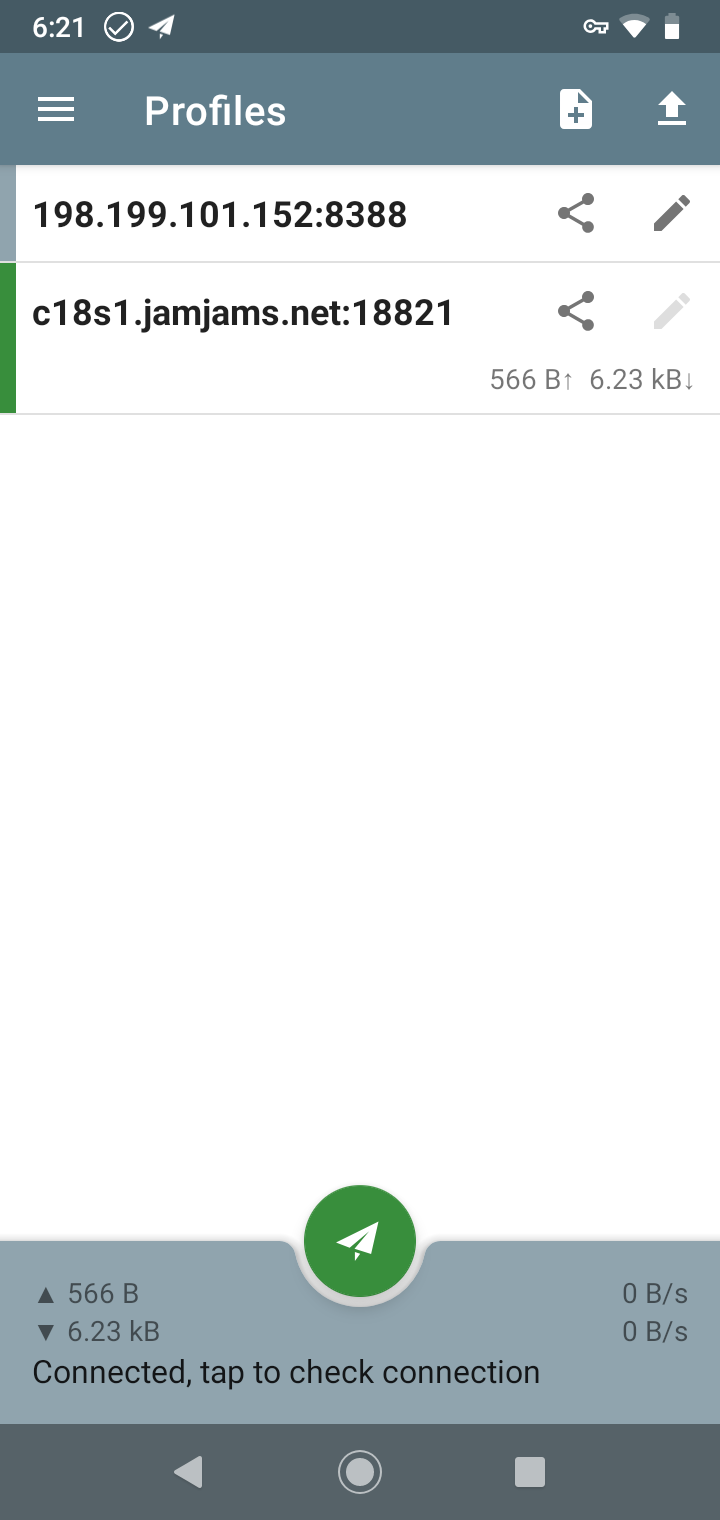
Using Just My Socks on Android: Shadowsocks and OBFS Setup
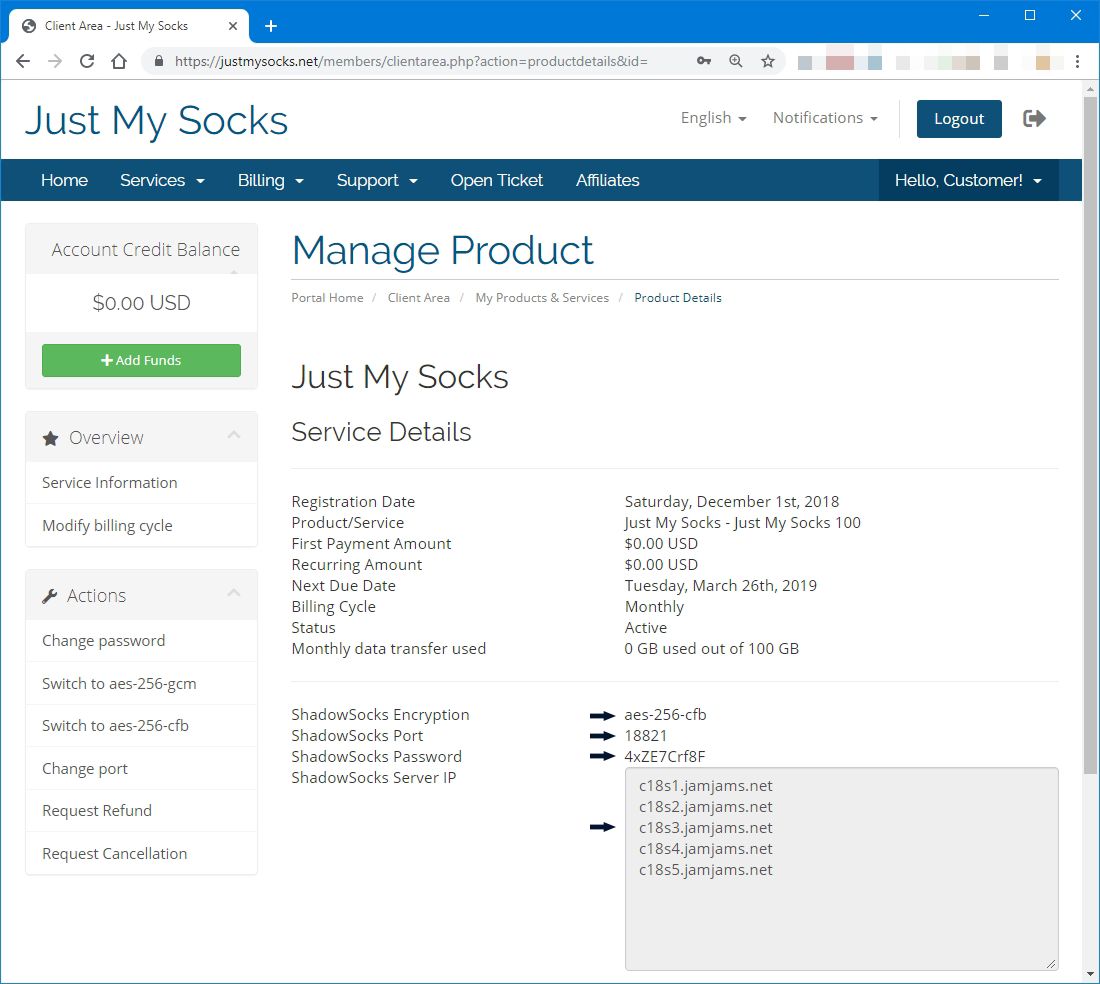
Open the service details
- Sign in.
- Go to Services → My Services.
- Select an active service.
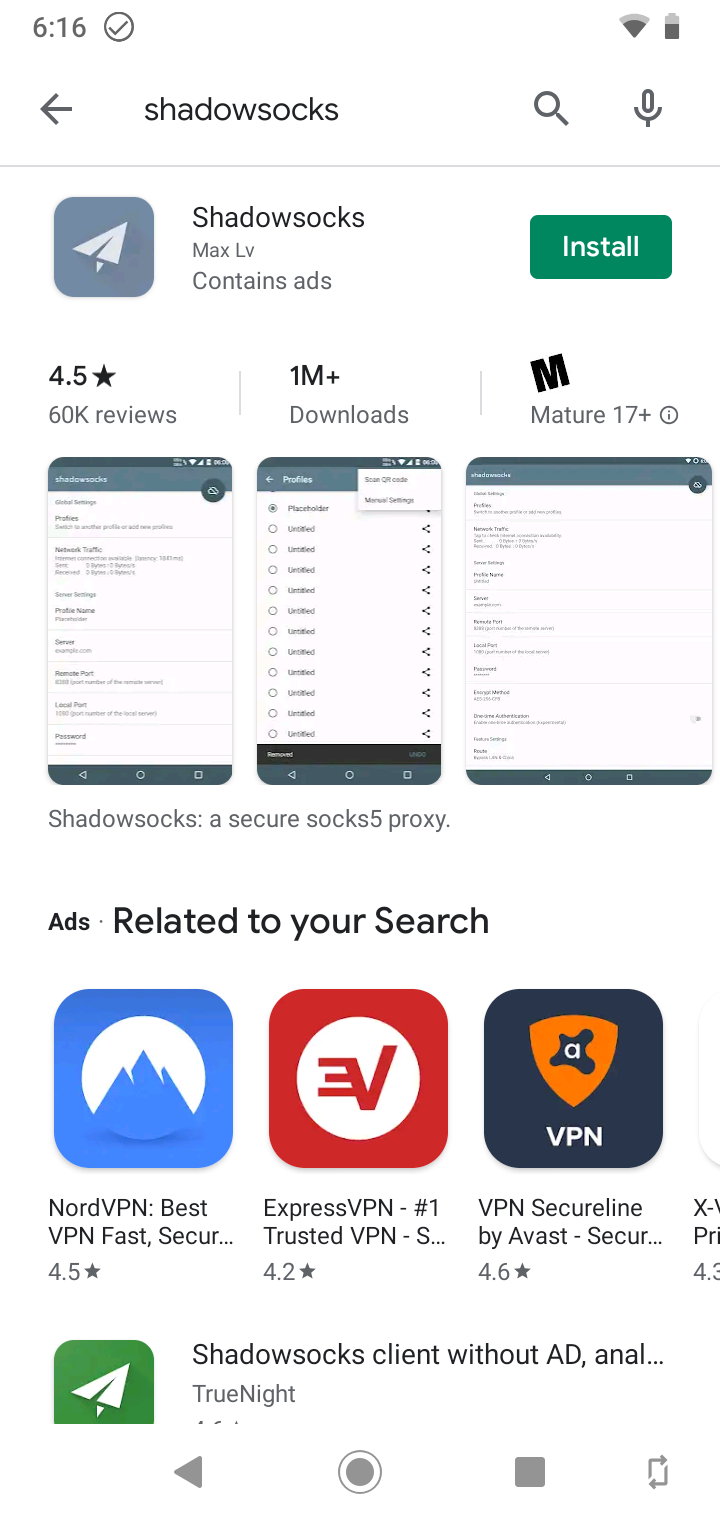
Install the apps
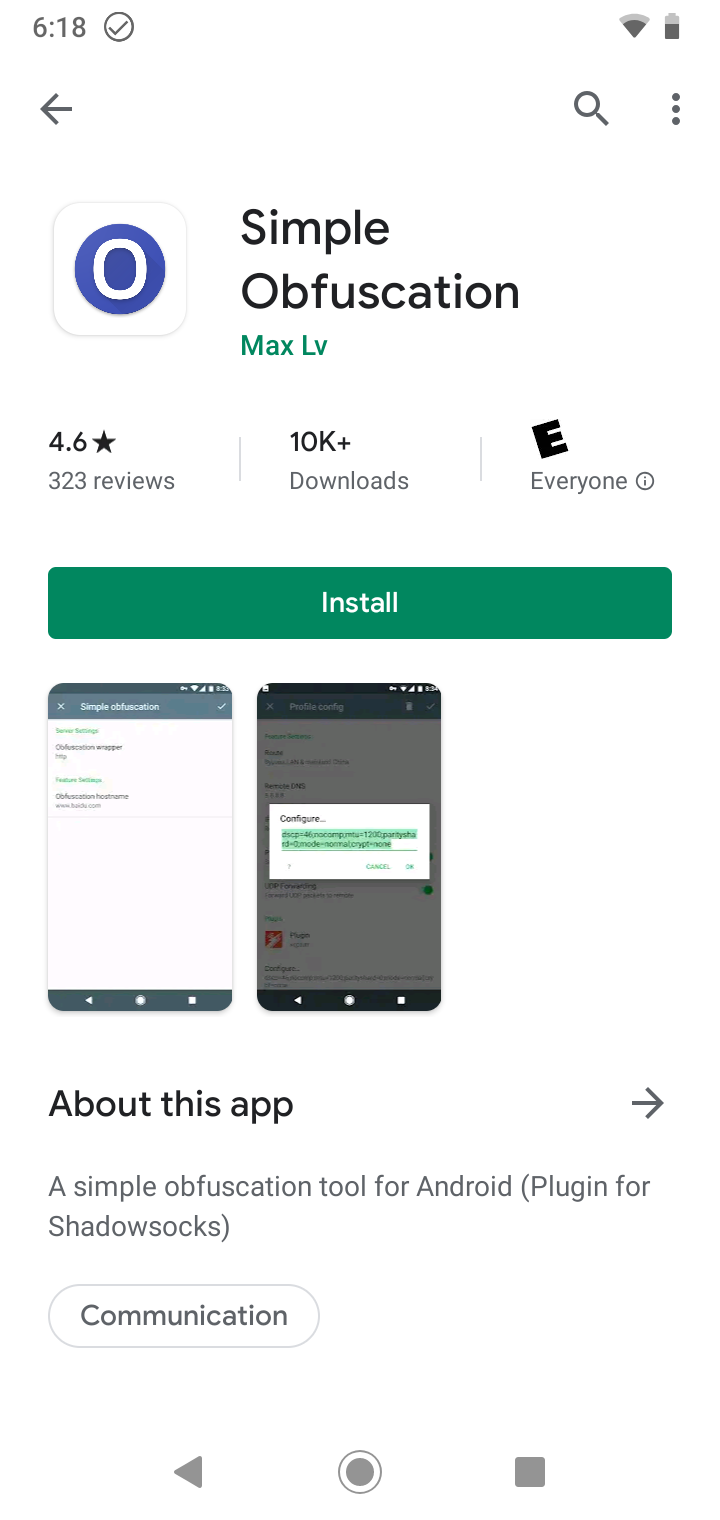
Install Shadowsocks and Simple Obfuscation. Some servers require client-side OBFS; without Simple Obfuscation, some servers may not be available.
Create a profile
Open Shadowsocks:
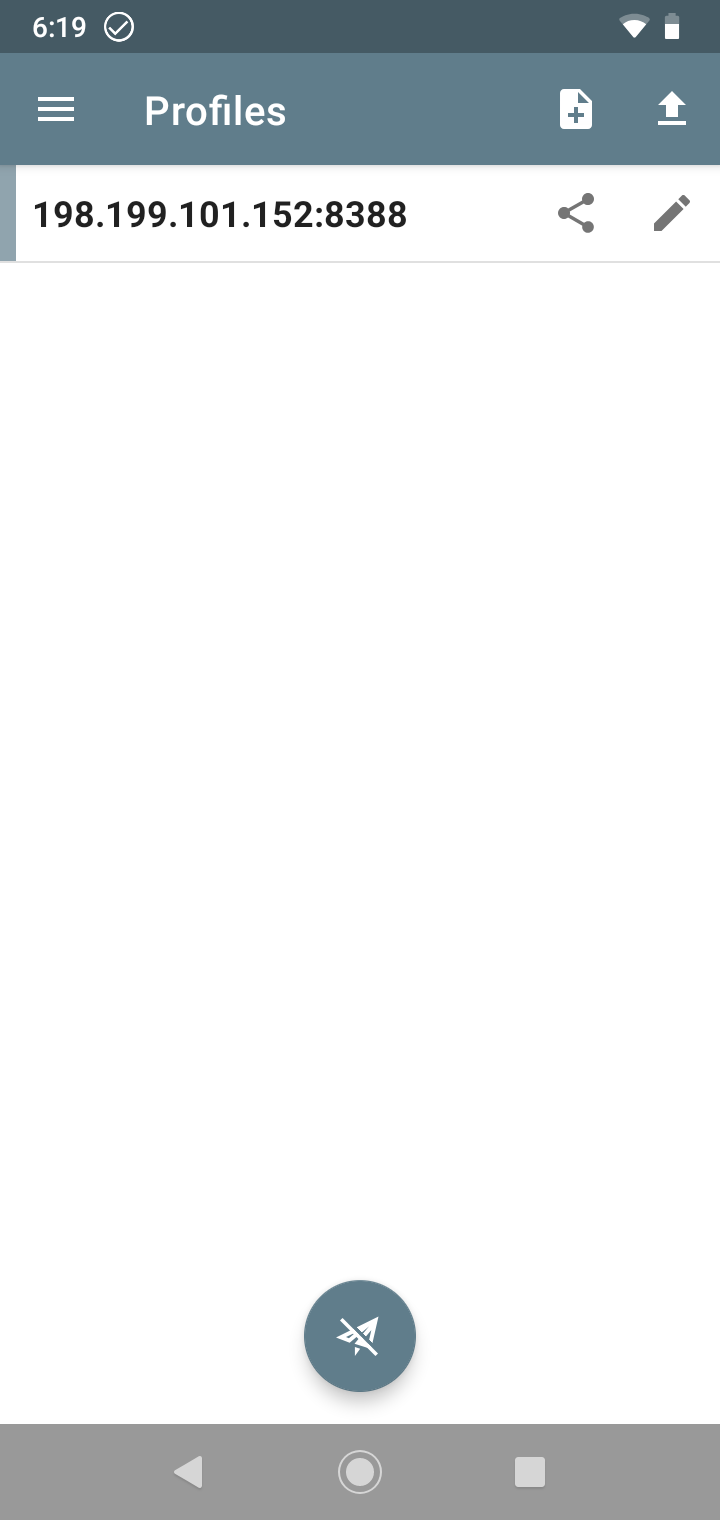
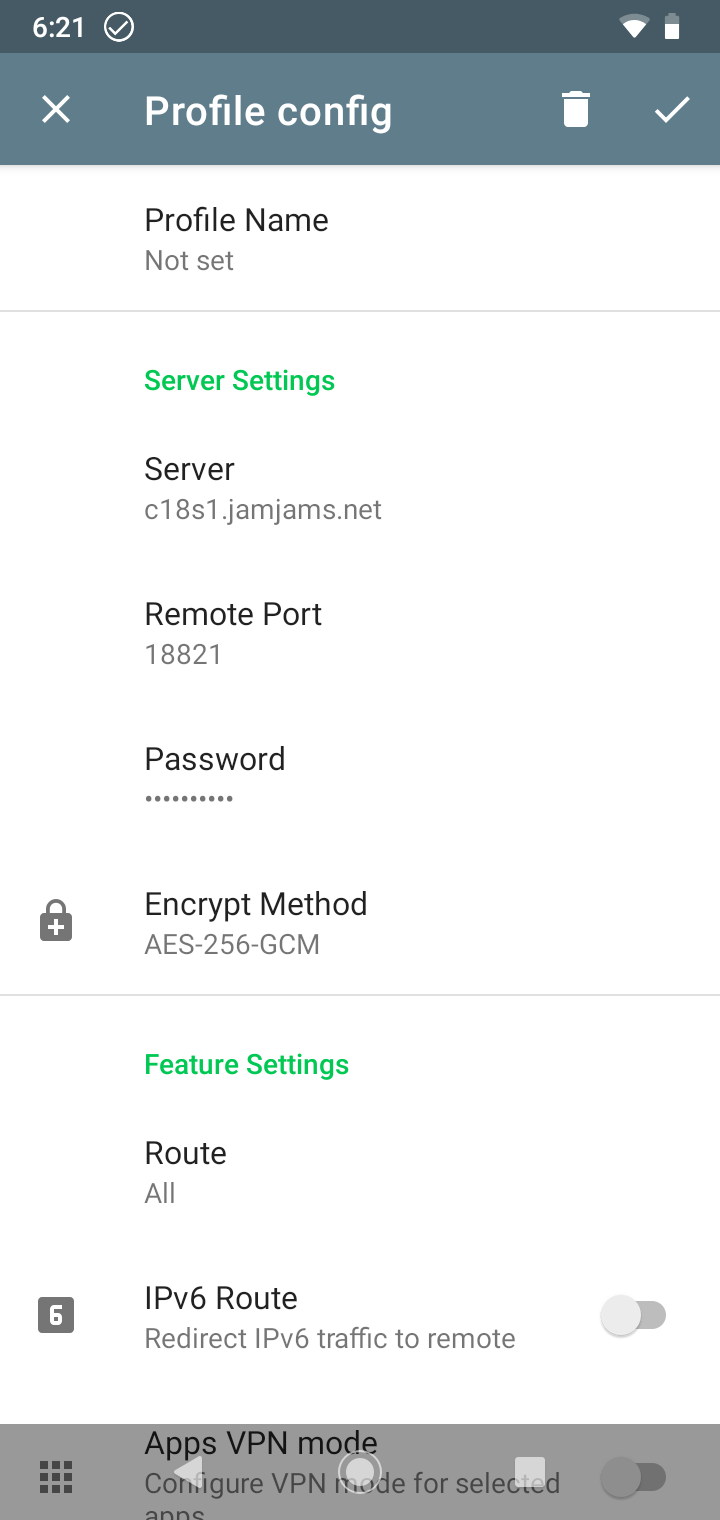
Tap [+], choose Manual Settings, and enter the service details:
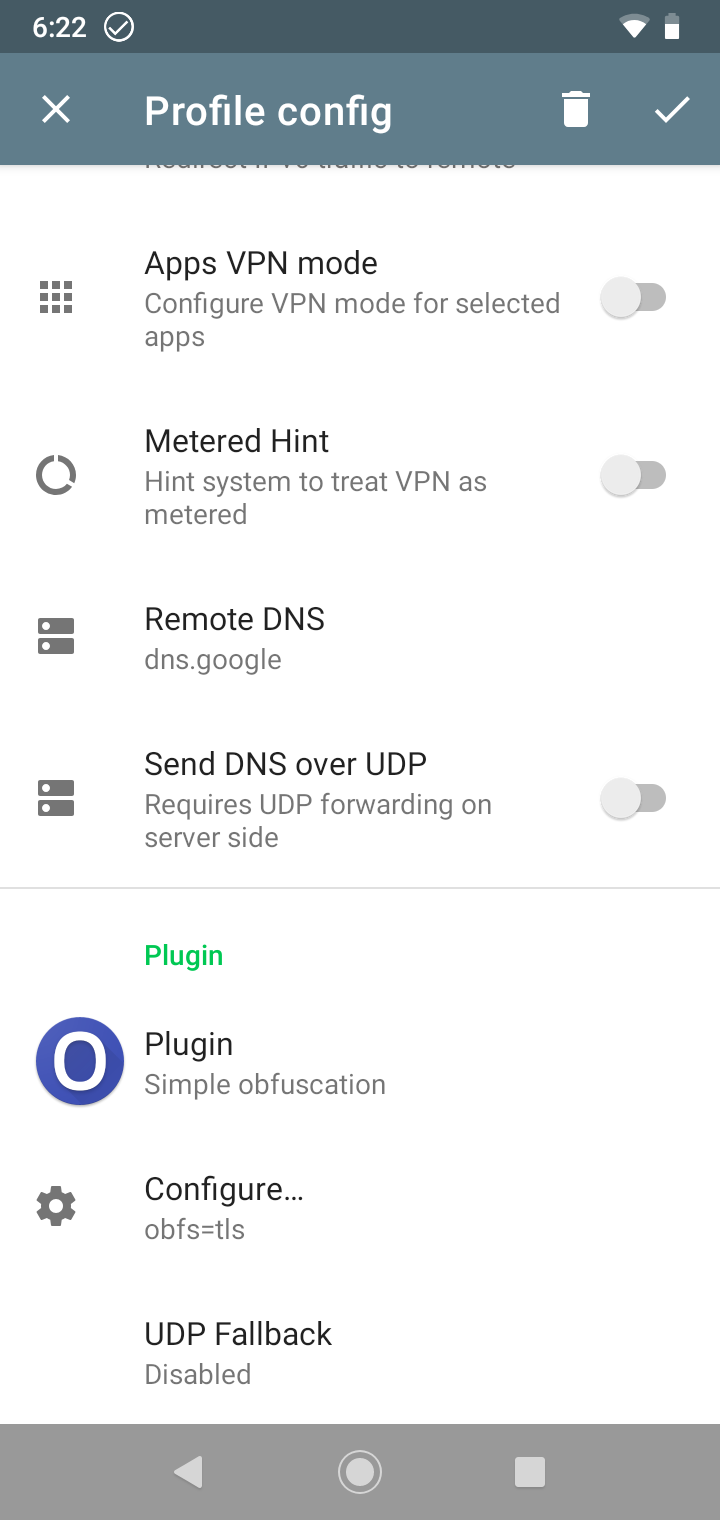
Configure OBFS
Enable OBFS only when the service details show Obfuscation: obfs=tls, and use obfs=tls as the plugin option. Fill in Plugin and Plugin Options:
Save the profile and select it so a green bar appears on the left:
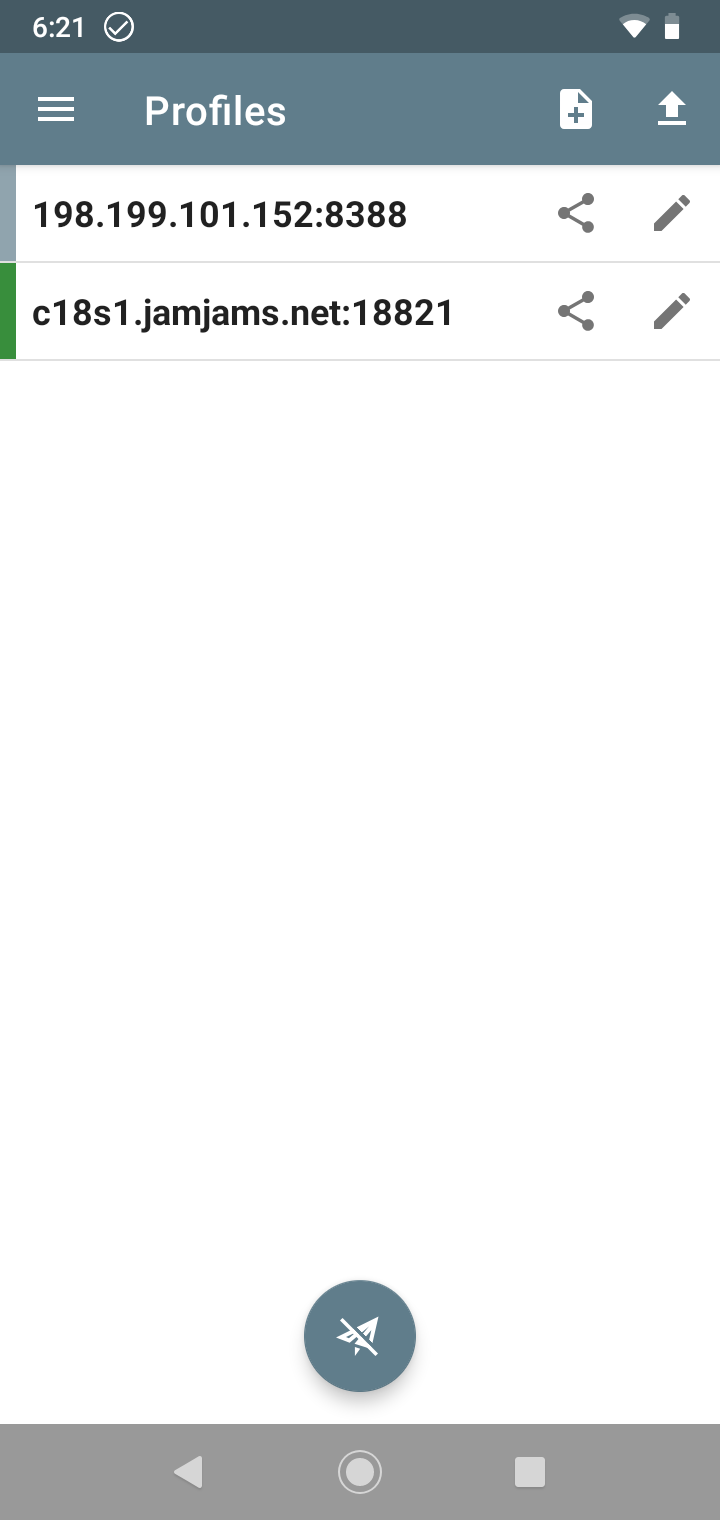
Tap the grey circle to enable Shadowsocks: