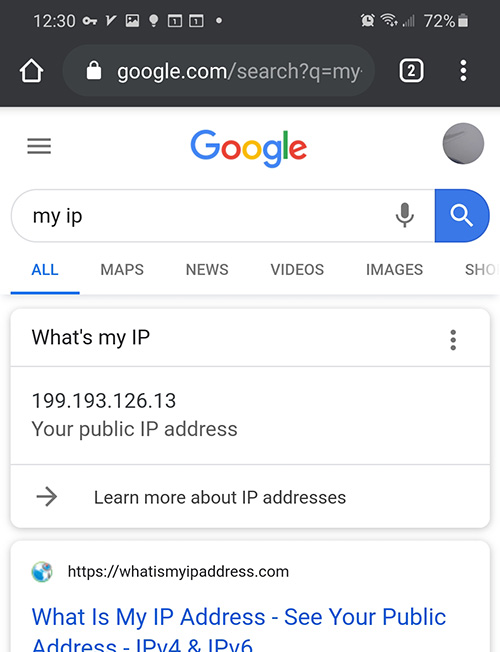
Using Just My Socks on Android: V2Ray Setup Guide
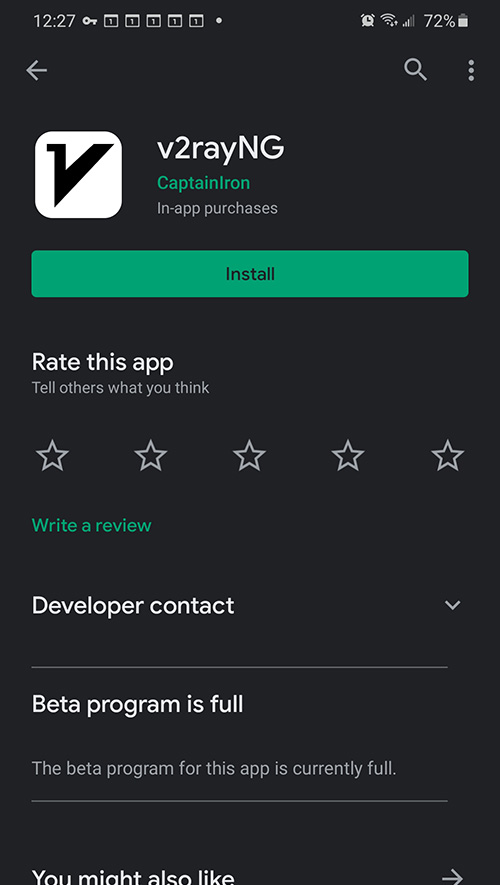
Install v2rayNG
Download v2rayNG from Google Play or GitHub Releases.
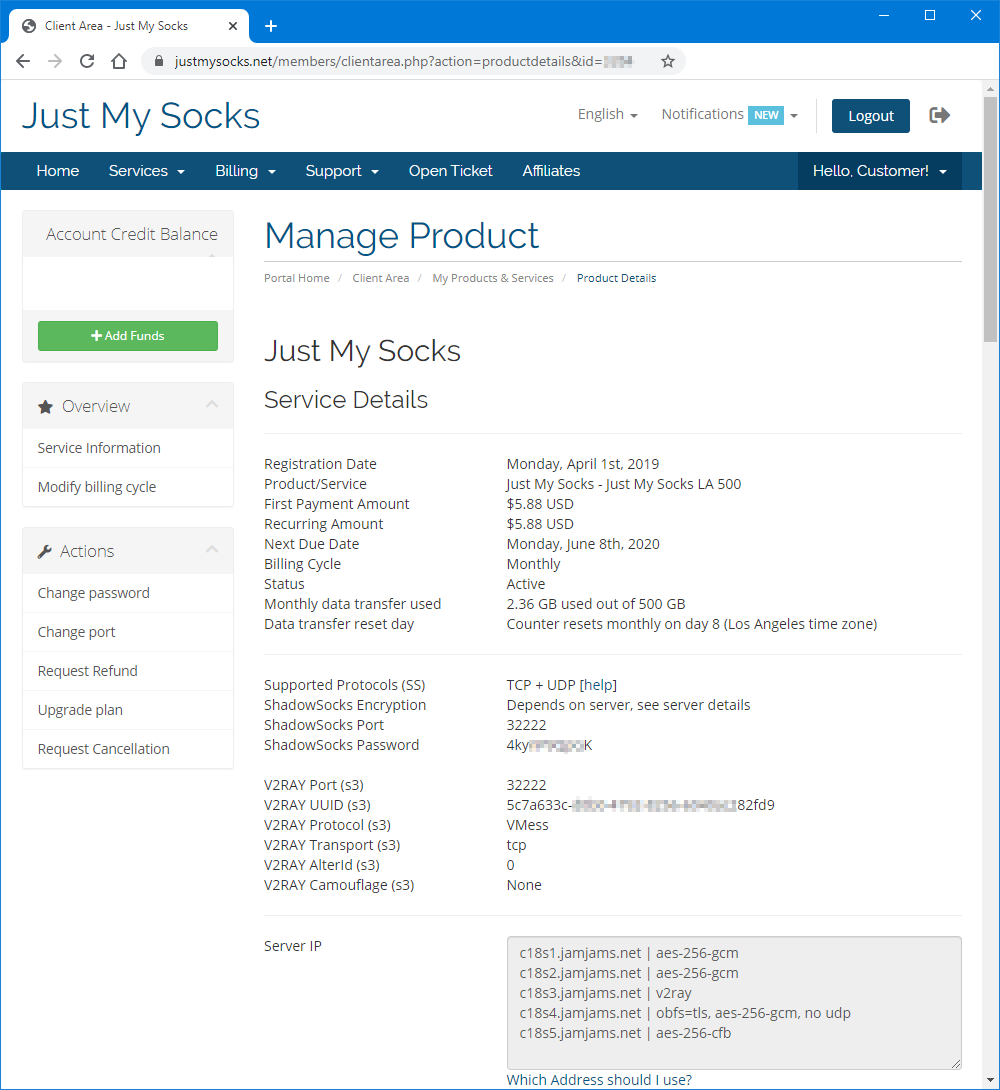
Open the service details from Services → My Services:
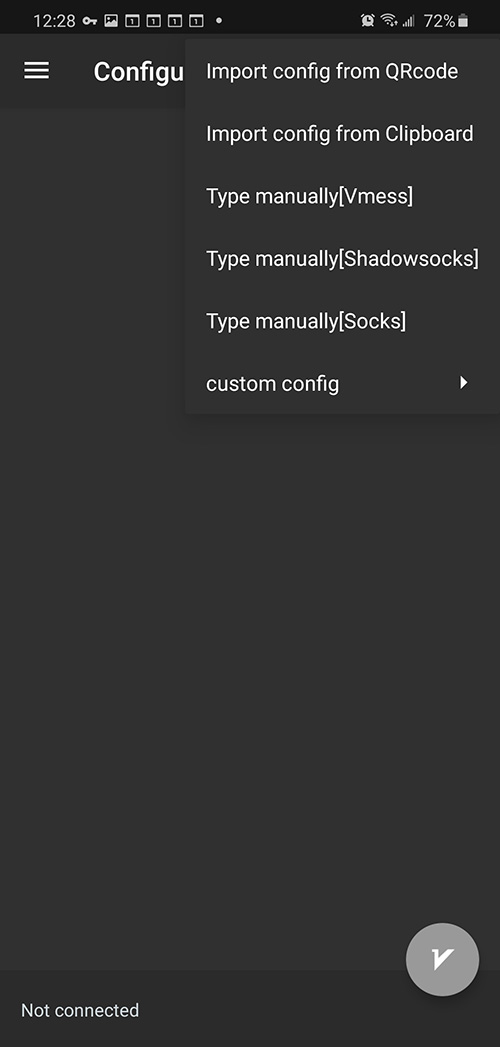
Open v2rayNG and choose Type manually [Vmess]:
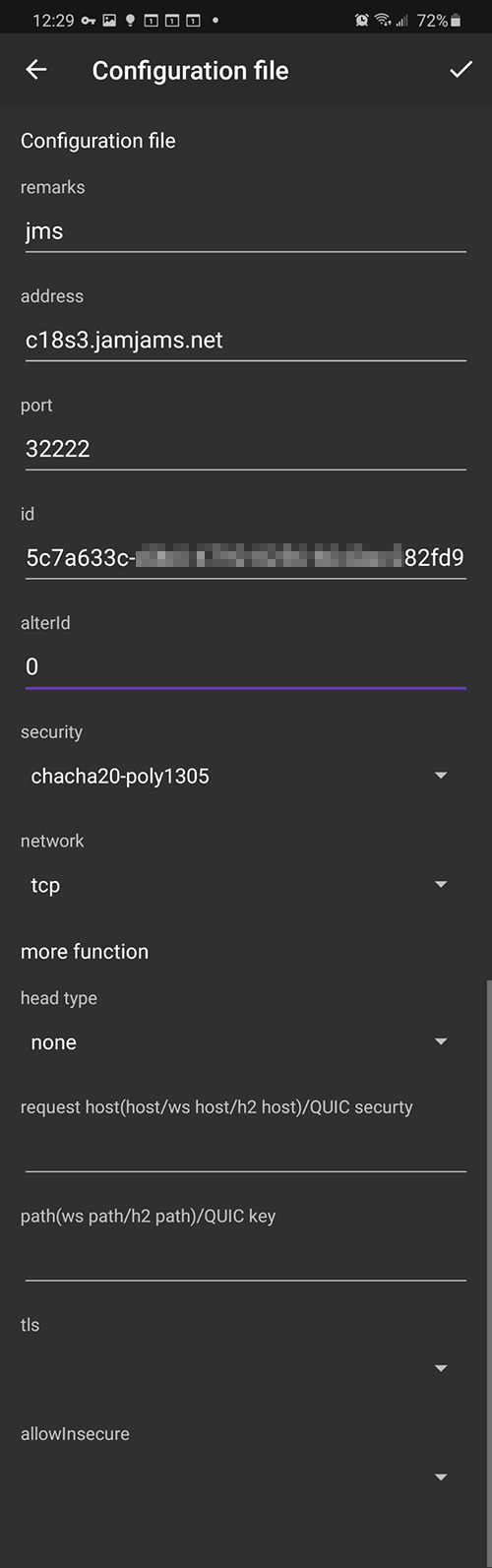
Enter the connection details:
The Remarks field is only a server alias. If the transport is TCP+TLS, enable tls and set allowInsecure to True:
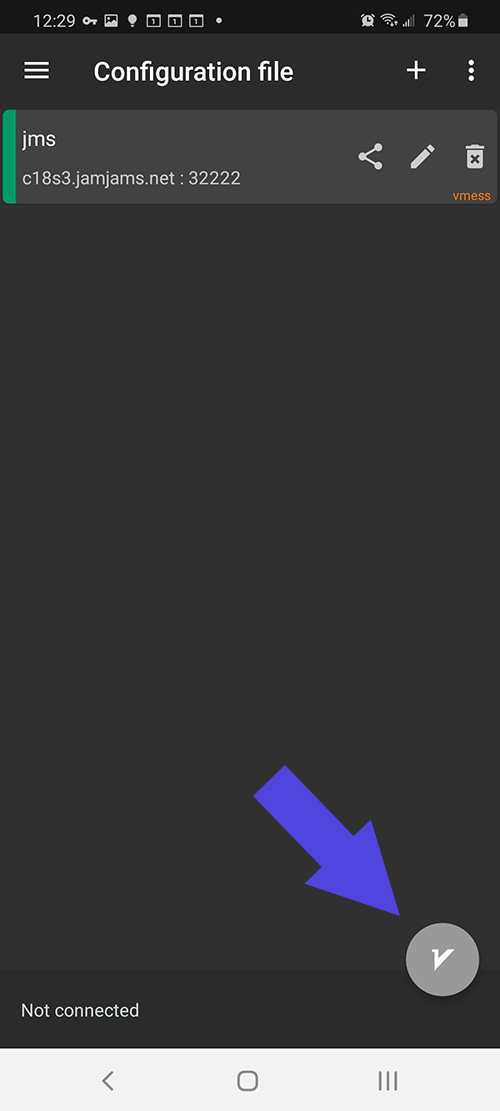
The setup is complete and you can connect: