Viewing Just My Socks Information: Services and Server Details
Open your service
After purchase:
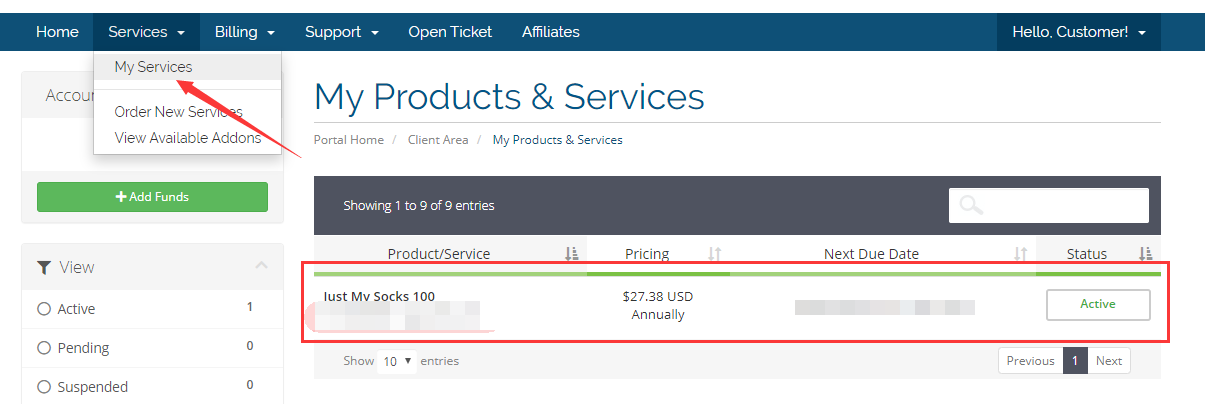
- Sign in to the official Just My Socks website.
- Go to Services → My Services.
- Select the service you purchased.
Review server parameters
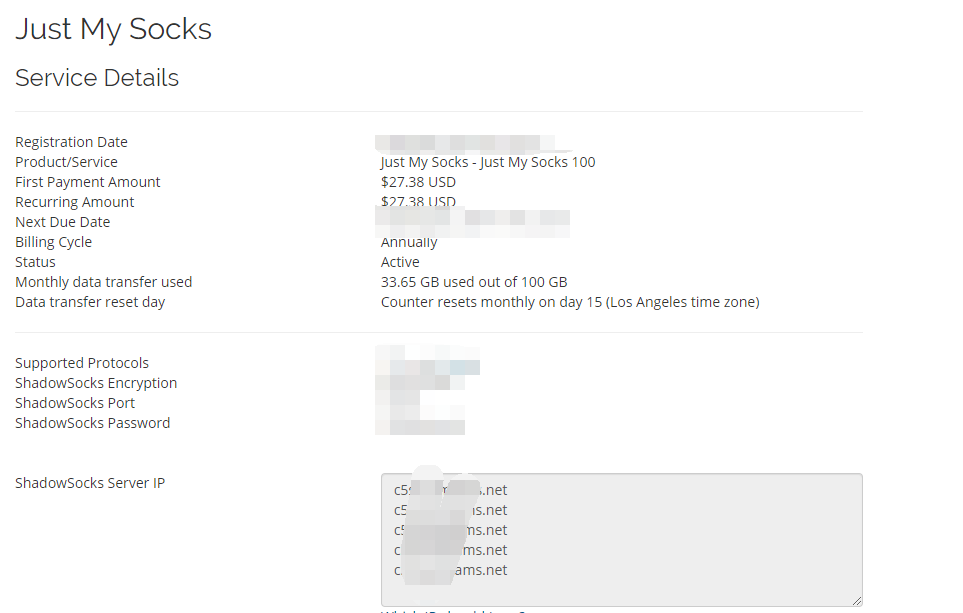
The service details normally contain the information needed by a Shadowsocks or V2Ray client:
- Encryption method
- Port
- Password
- IP or hostname
- Available servers
A service may provide multiple routes; use the current service details for the actual number and protocols.
Do not share service screenshots, passwords, or subscription links. Copy and verify each field when configuring a client.