Using Just My Socks on iPhone: Potatso Lite Configuration Guide
The original official article is marked as obsolete. Just My Socks recommends using Jamjams for easier configuration and better stability. This article preserves the historical Potatso Lite setup flow; client interfaces and service rules may have changed.
Jamjams: the recommended option
Jamjams supports both Shadowsocks and V2Ray protocols and normally requires no manual configuration. Use the current official download source whenever possible.
Using Potatso Lite
Prepare your connection details
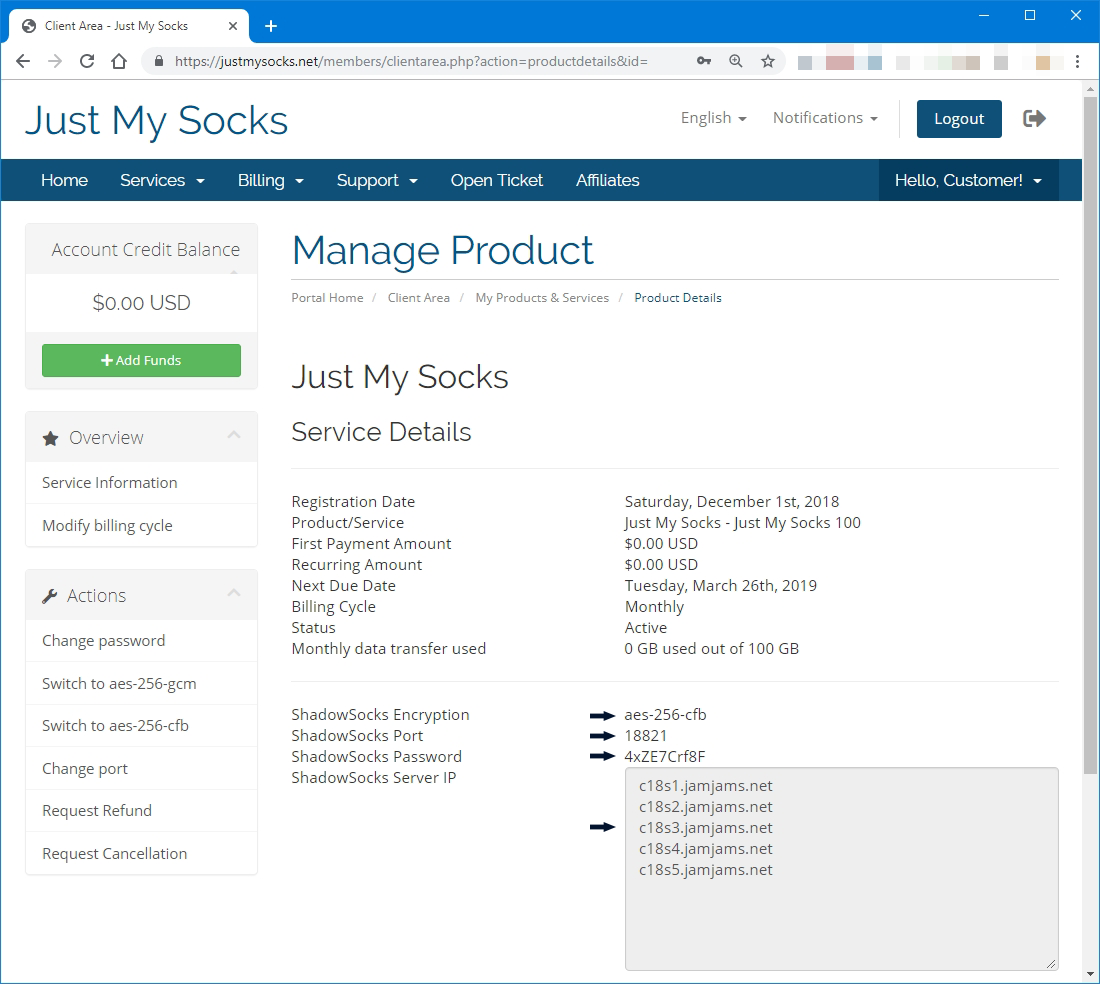
Before configuring Potatso Lite, prepare the service details: server address, port, and password.
To find them:
- Sign in to your Just My Socks account.
- Open Services → My Services to see the services in your account.
- Select an active service to open its details page.
Install the app and add a proxy
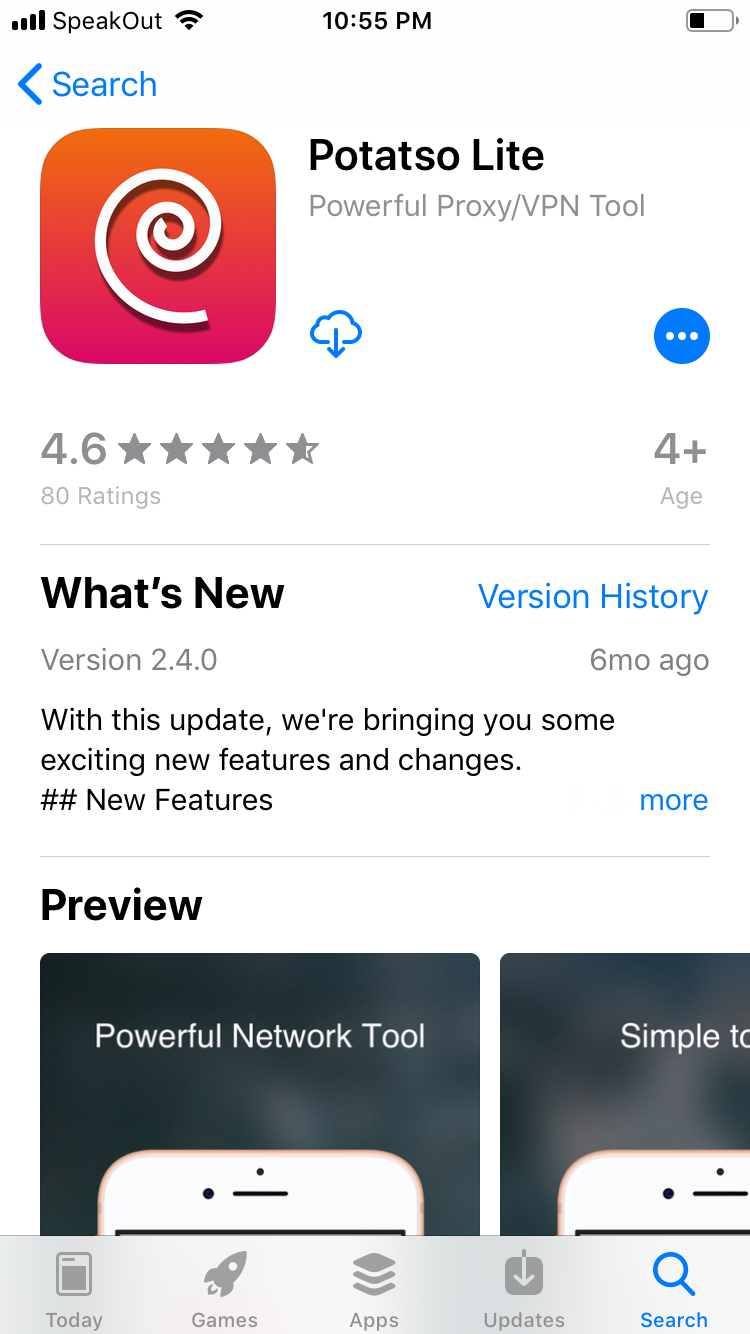
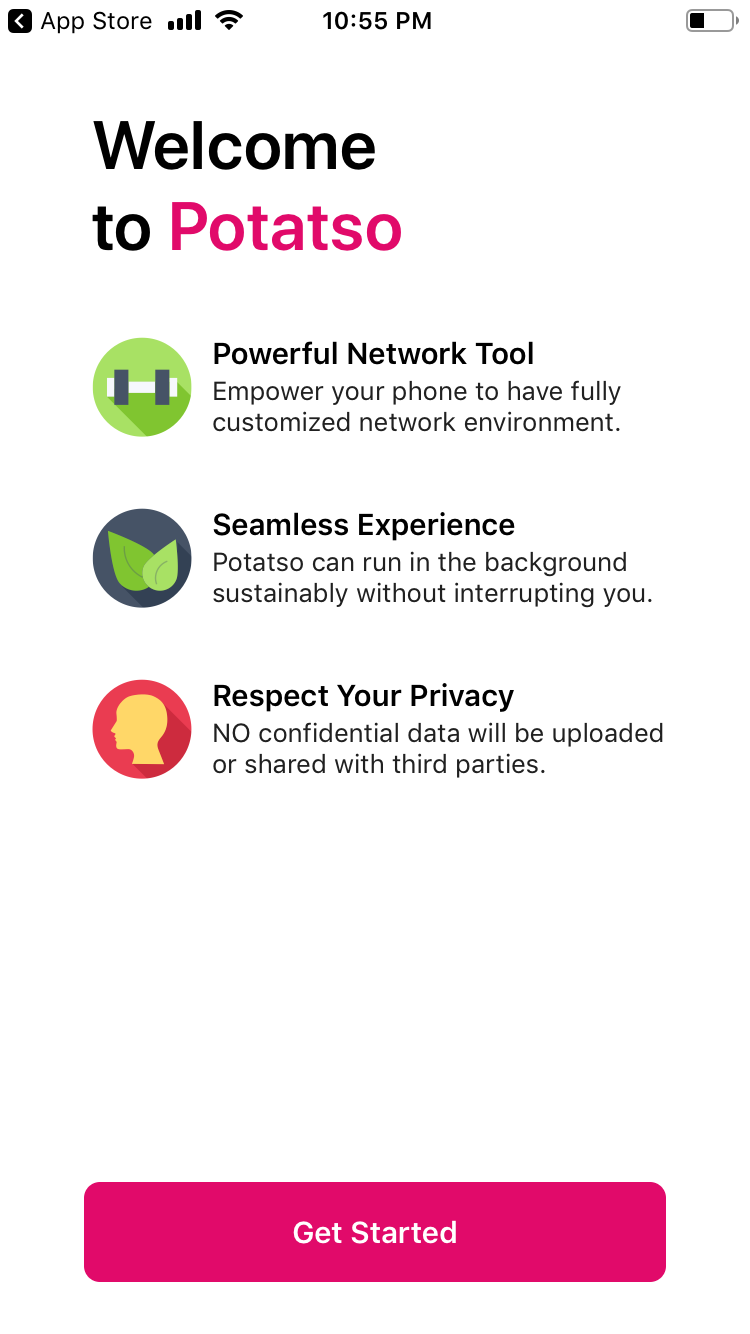
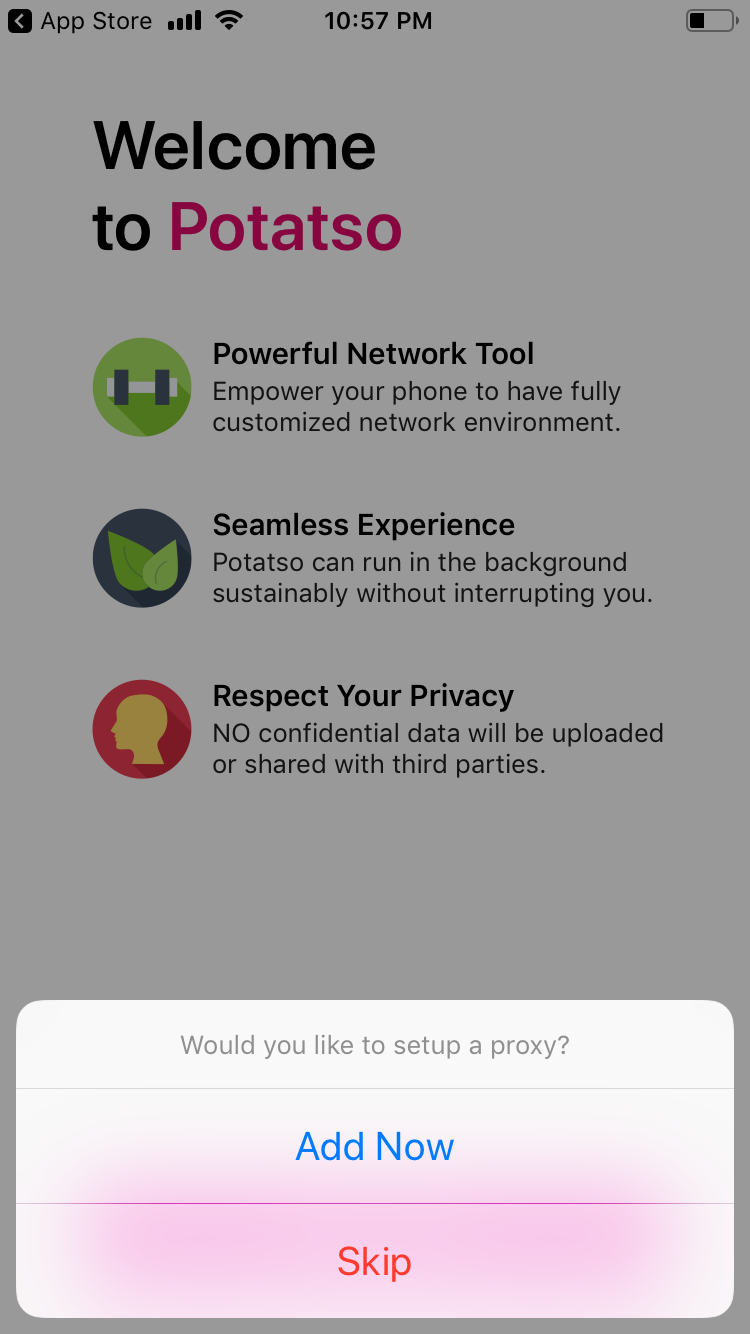
Install Potatso Lite on your iPhone. When the app asks to set up a proxy, select Add Now.
Tap Add, then enter the connection details from the service page.
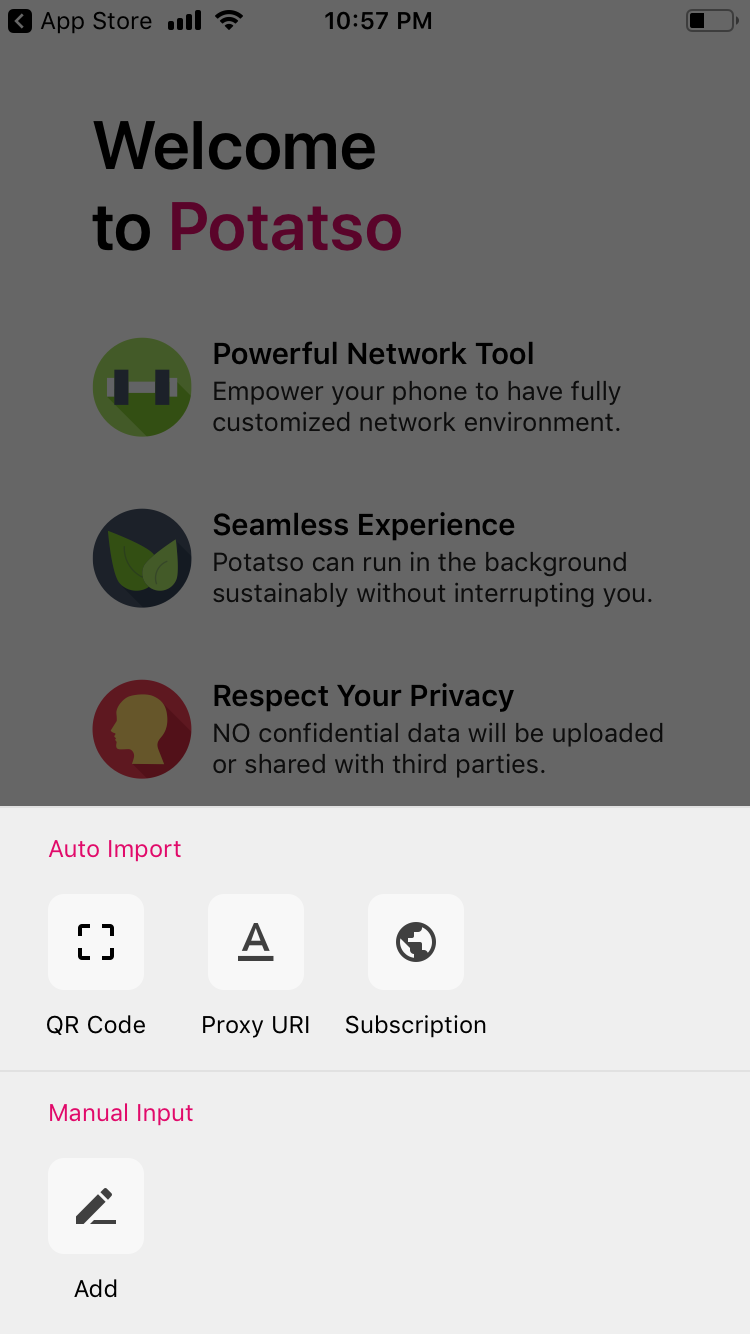
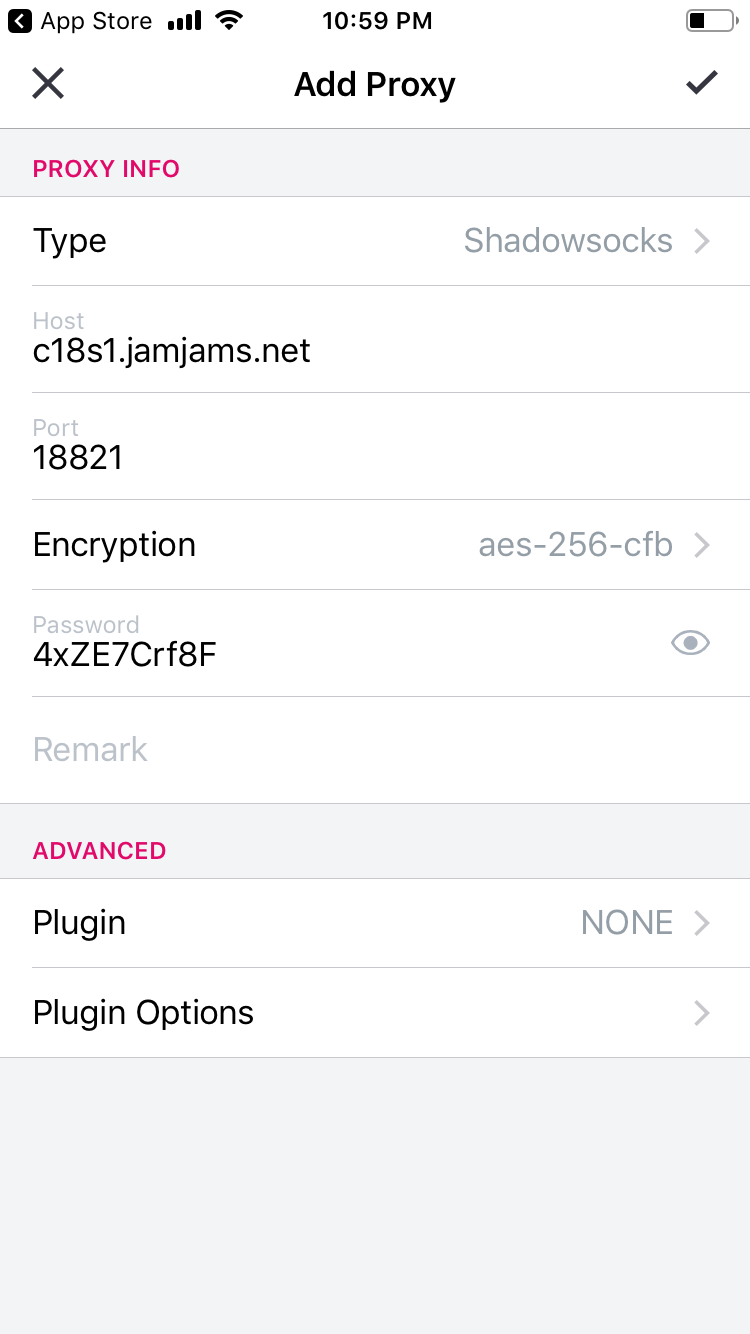
The basic configuration is complete once these fields are saved.
Configure OBFS
Some servers require OBFS. Enable it only when the service details show:
Obfuscation: obfs=tlsIn that case, use obfs=tls as the plugin option. Do not enable OBFS for a server whose service details do not show this setting. OBFS provides traffic obfuscation; it does not add stronger encryption.
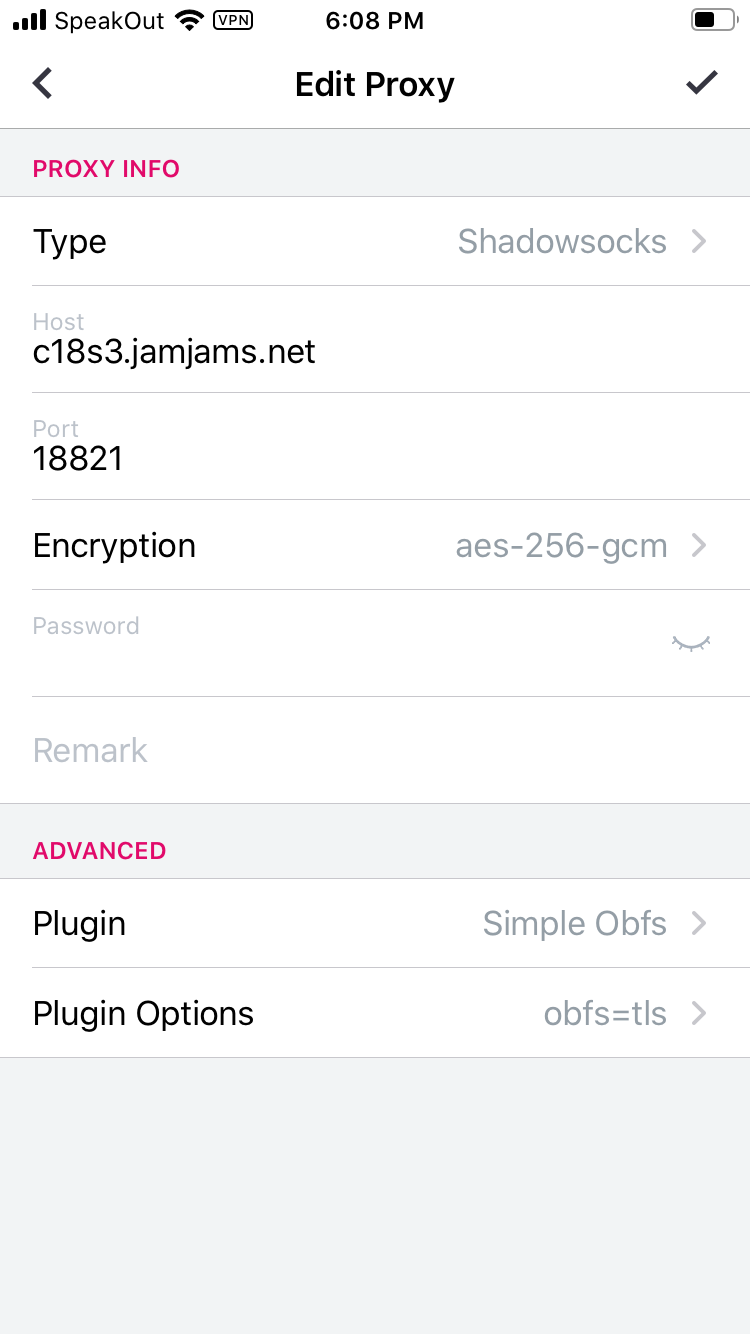
In the example above, the Plugin and Plugin Options fields need to be filled in.
Smart Routing
Potatso Lite also offers Smart Routing. It can route some Chinese websites without the proxy and reduce traffic usage, but it also reduces privacy and security.
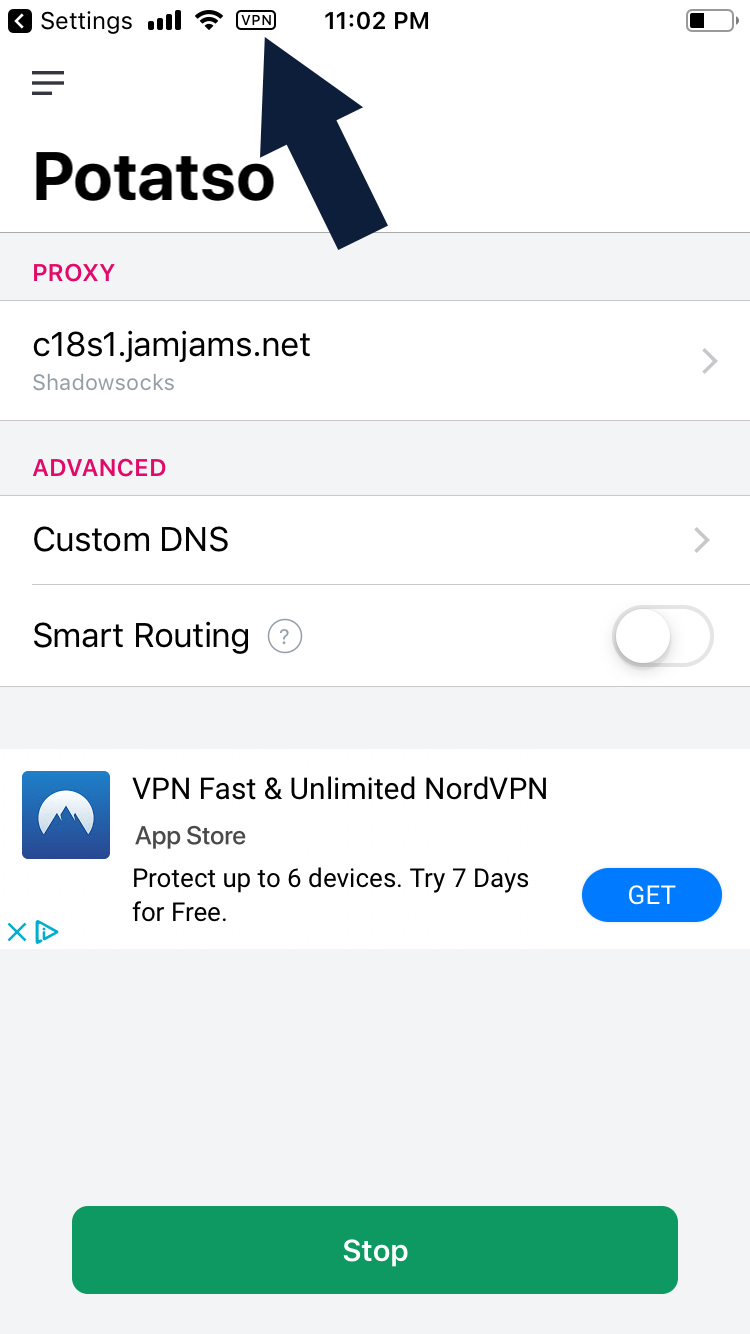
For the basic setup, leave Smart Routing disabled and tap Start to connect.
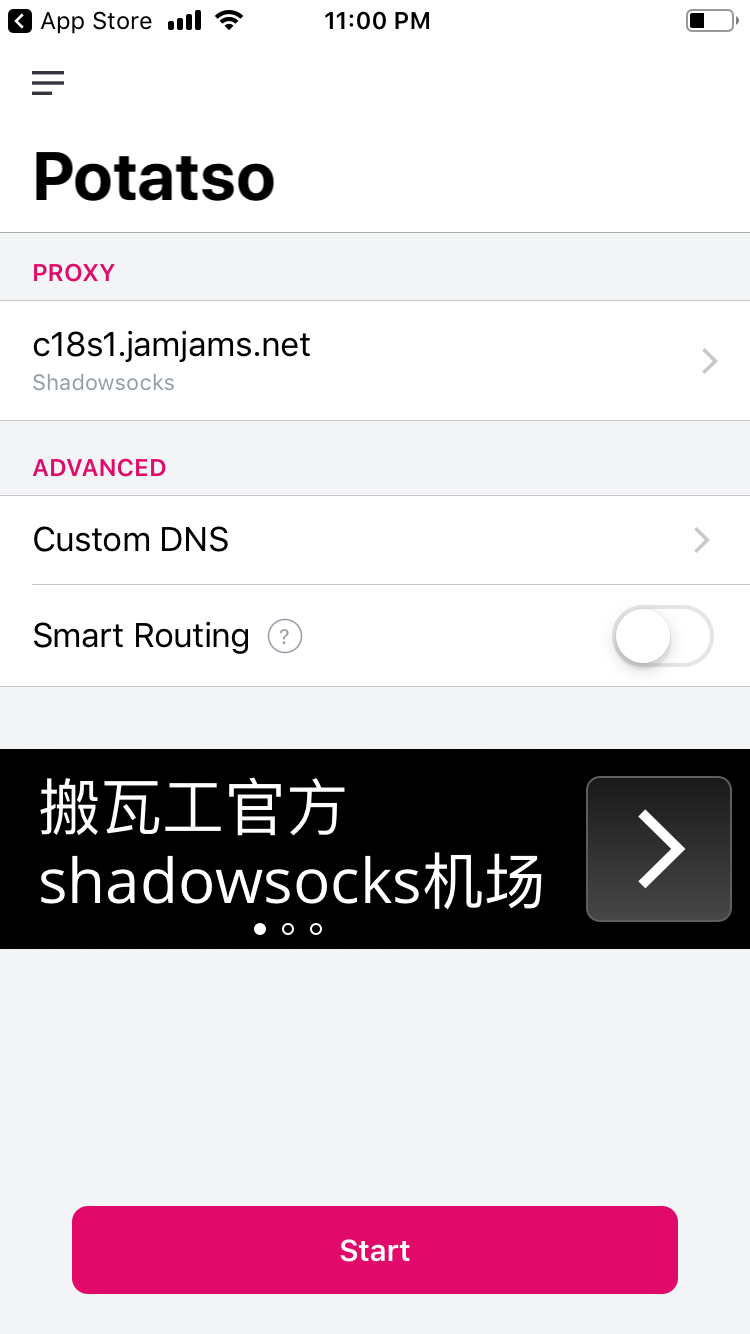
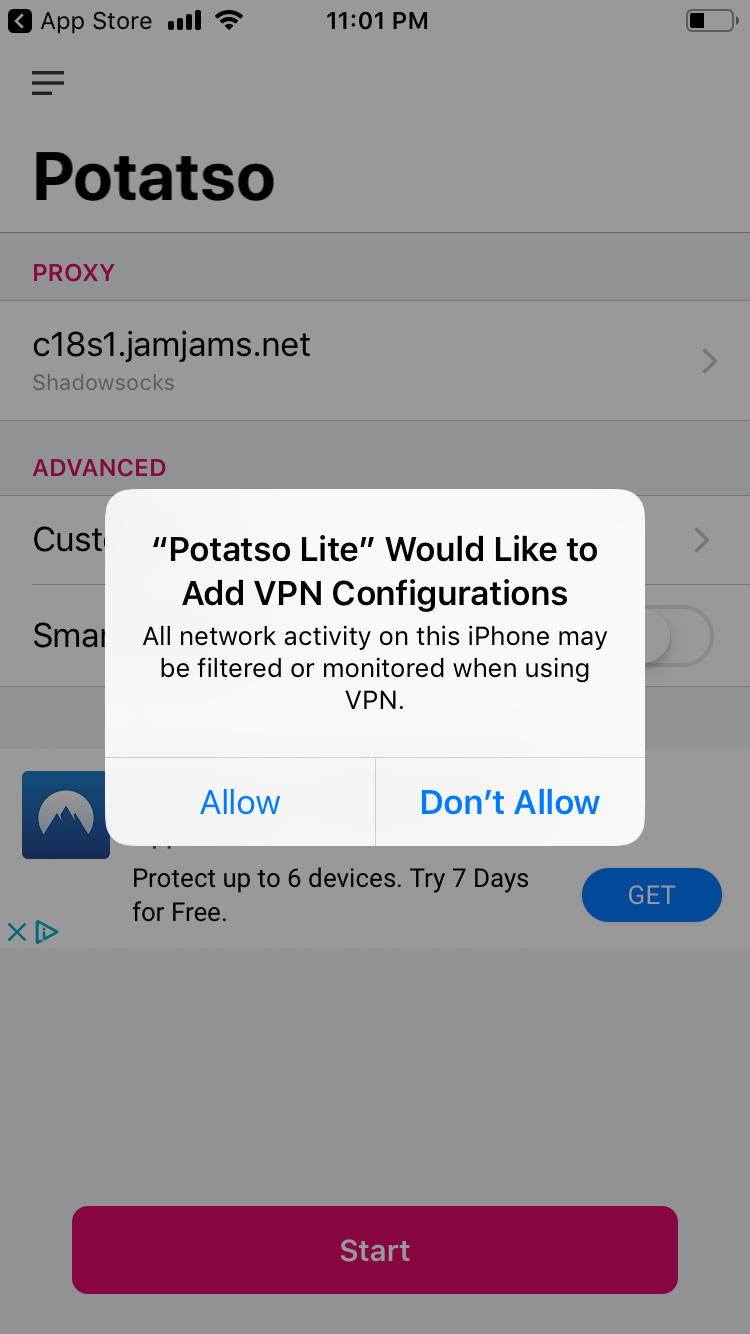
iOS may show a security prompt asking to add a VPN configuration. Confirm the prompt.
When the connection status shows that you are online, the setup is complete.
Important notes
- Client names, interfaces, and settings may change between versions.
- Verify downloads, plans, server status, and service terms on the official site.
- If the connection fails, check the server address, port, password, and OBFS settings against the service details.
- Do not publish account passwords, subscription links, or payment information in comments.