Using Just My Socks on Mac: Shadowsocks Setup Guide
This is an older setup guide and has not been the default approach since October 2, 2023. Use the official Jamjams app first; the steps below preserve the ShadowsocksX-NG flow for reference.
Use Jamjams first
Jamjams supports both Shadowsocks and V2Ray and normally needs no manual configuration. Get the current Mac version from the official software downloads page.
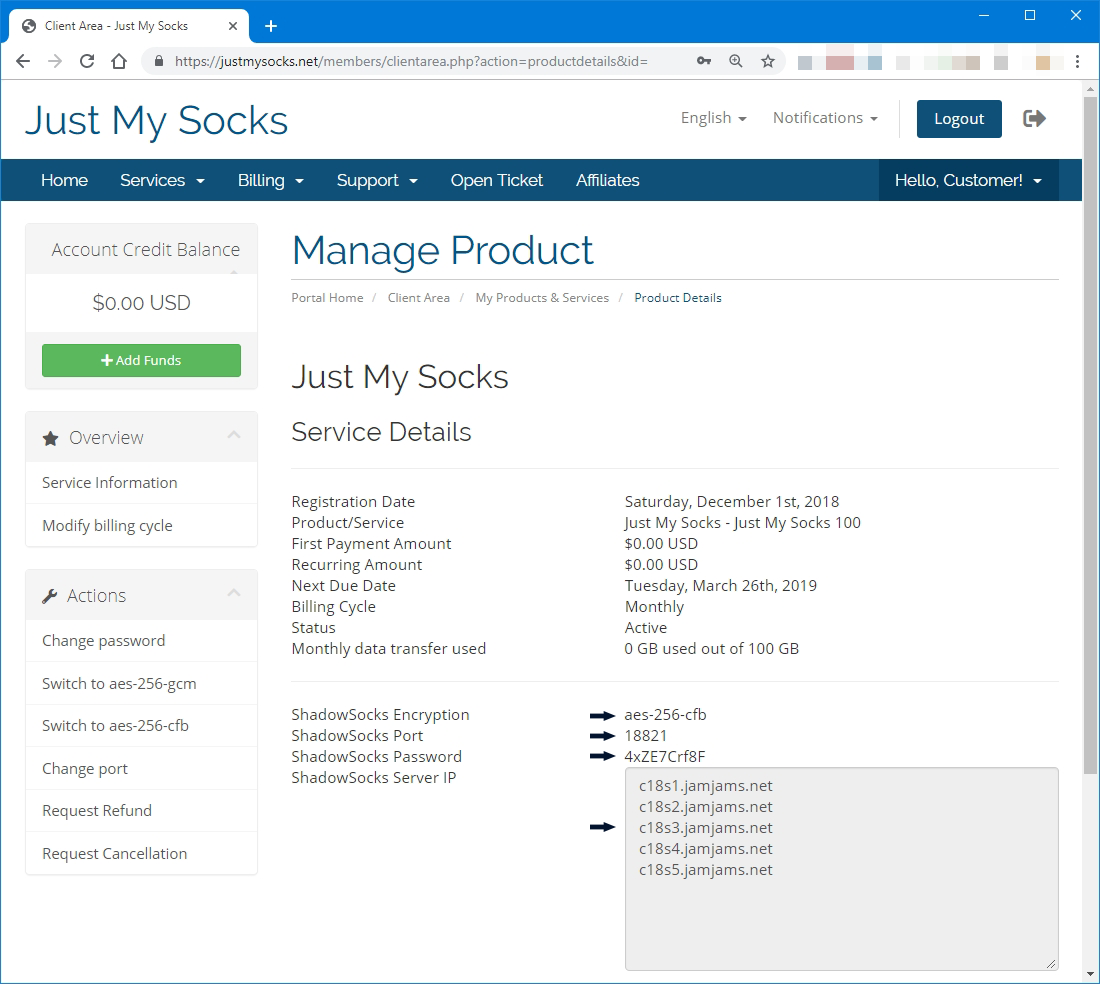
Open the service details
- Sign in to your Just My Socks account.
- Go to Services → My Services.
- Select an active service and open its details.
- Prepare the server address, port, and password.
Install ShadowsocksX-NG
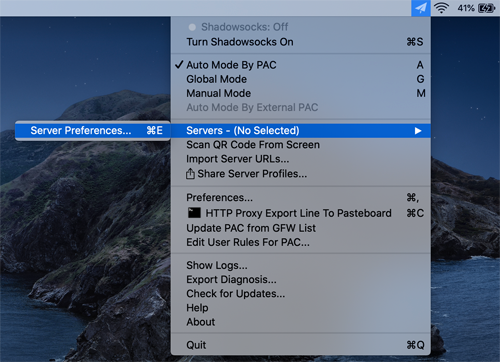
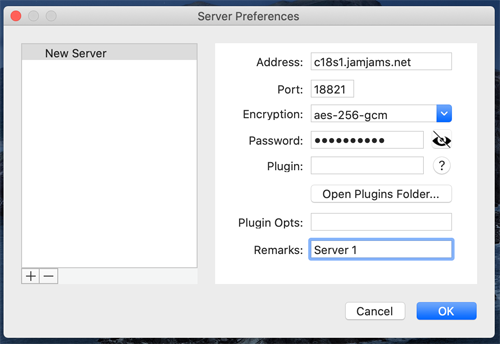
Open ShadowsocksX-NG, click its menu bar icon, and choose Servers → Server Preferences.
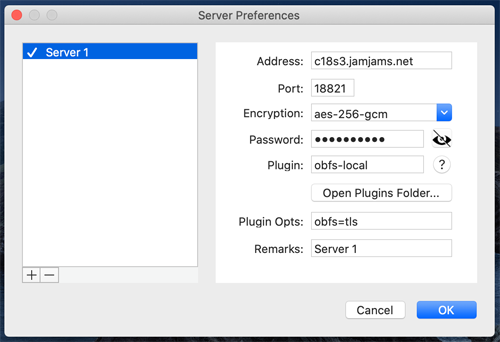
Enter the server address, port, password, and encryption method from the service details.
Enable client-side OBFS only when the service details show Obfuscation: obfs=tls, and set the plugin option to obfs=tls.
Enable global mode
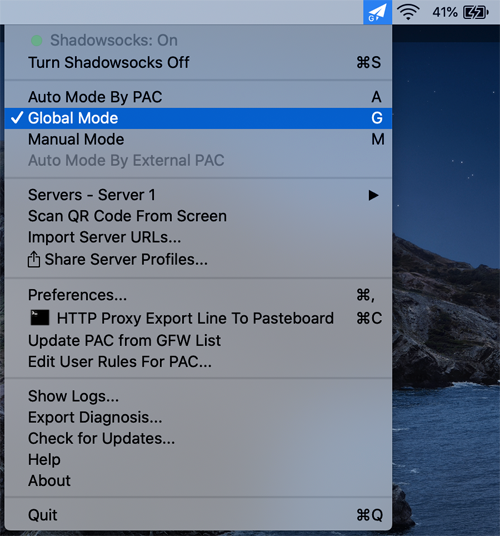
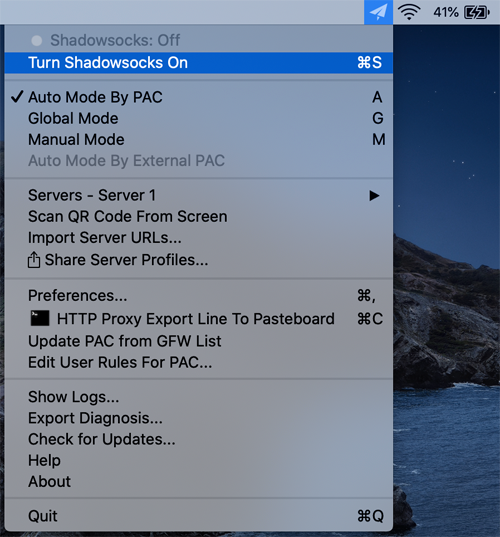
Switch Shadowsocks to Global mode, then choose Turn Shadowsocks On.